
VBGRAMG Payment Status Check — NREGA FTO Track Online
Check VBGRAMG & NREGA wage payment status online. Track your Fund Transfer Order (FTO), PFMS clearance, bank credit date, and muster roll wage details.
Enter your FTO number below to check real-time PFMS bank credit.
How to Find FTO Number from VBGRAMG (NREGA) Job Card
Follow these simple steps with official portal screenshots to extract your Wagelist and FTO Number directly from your MGNREGA Job Card:
Access the search portal and search using your Job Card Number, State, and District.
Steps to follow:
- 1Open the search portal using our VBGRAMG Job Card Search tool below.
- 2In the 'Search' dropdown, select 'JobCardNo'.
- 3Select your State (e.g., RAJASTHAN) and District (e.g., BARMER).
- 4Enter your Job Card Number in the text box on the right.
- 5Click the 'GO' button to initiate the search.
Results open in a separate pop-up window. Ensure browser pop-ups are allowed.
Steps to follow:
- 1When you click 'GO', your browser may block the pop-up window automatically.
- 2Look at the address bar for the 'Pop-ups blocked' icon.
- 3Click the icon and choose 'Always allow pop-ups and redirects from https://vbgramgrep.dord.gov.in / mnregaweb4.nic.in'.
- 4Click 'Done' and click the 'GO' button again to view results.
From the list of matching records, find your Panchayat and click your Registration Number.
Steps to follow:
- 1A pop-up window titled 'SEARCH RESULTS' will open displaying matching records.
- 2Check the 'Block Name', 'Panchayat Name', and 'Village' columns to identify your Gram Panchayat.
- 3Locate your name under 'Head of Household'.
- 4Click on the blue 'Registration No' link (e.g., RJ-2717006...) to open your complete Job Card.
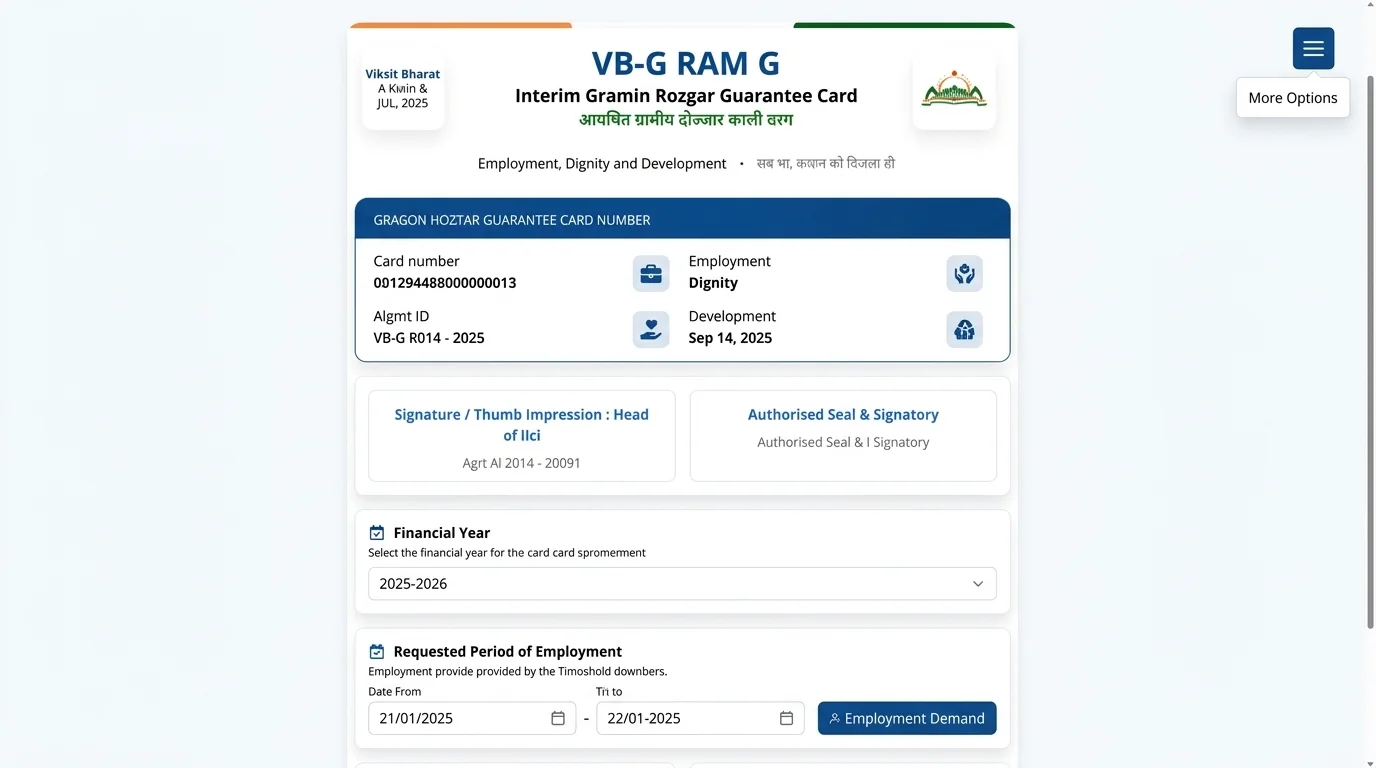
Your digital Job Card opens displaying household registration and family details.
Steps to follow:
- 1The Job Card page displays household details, category, BPL status, and linked bank name.
- 2Locate the 'Select Financial Year' dropdown below the family member table.
- 3Select the Financial Year in which the work was completed.
Under 'Period and Work on which Employment Given', click the blue MSR number for that work.
Steps to follow:
- 1Scroll down to the 'Period and Work on which Employment Given' table.
- 2Find the row showing the work date, number of days worked, and project name.
- 3Under the 'MSR No.' column, click the blue Muster Roll number link (e.g., 760 or 4859).
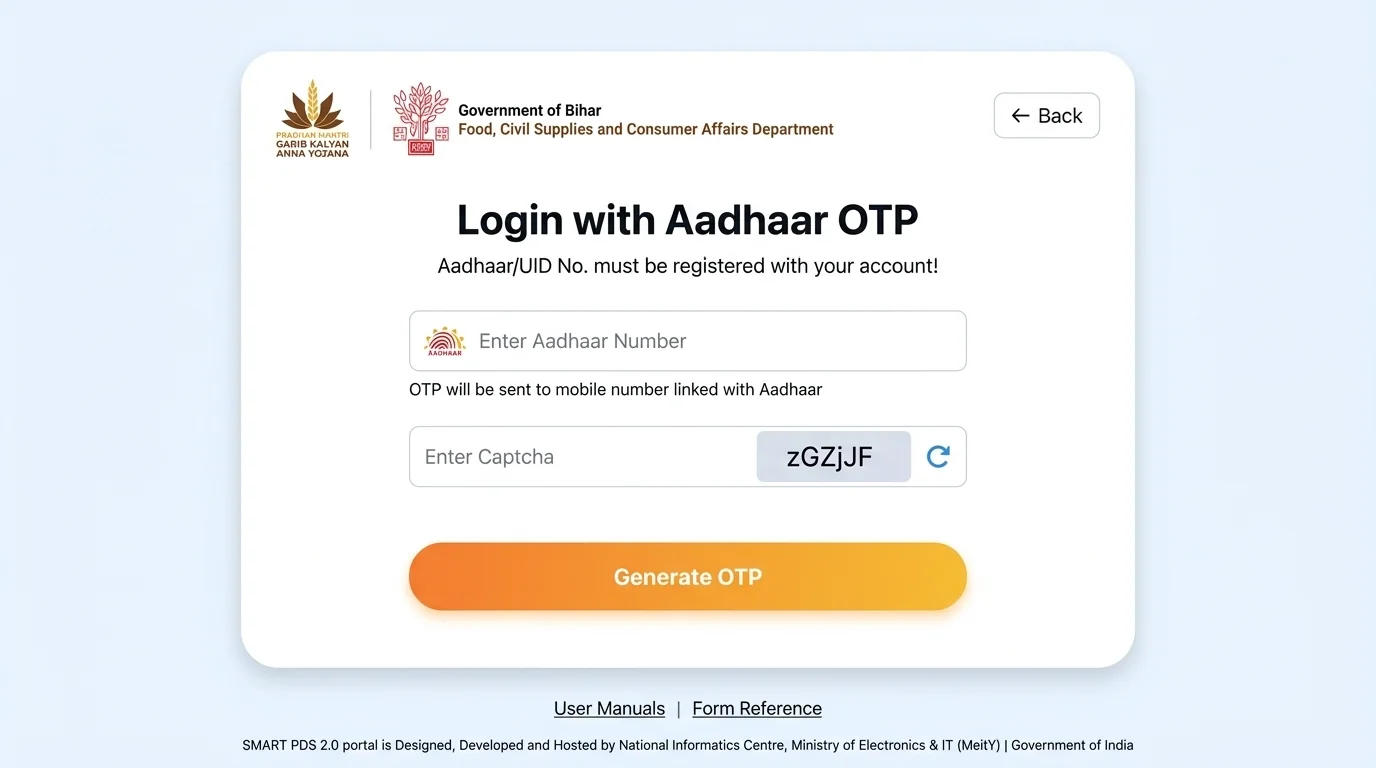
In the Mustroll Report table, locate your applicant row and copy your unique Wagelist Number.
Steps to follow:
- 1The 'Mustroll Detail' page opens showing daily attendance, wage rate, and total earned amount.
- 2Find your name in the worker list.
- 3Locate the column titled 'Wagelist No.' (e.g., 2717006WL002038).
- 4Copy or note down this Wagelist Number — you will use it in the next step.
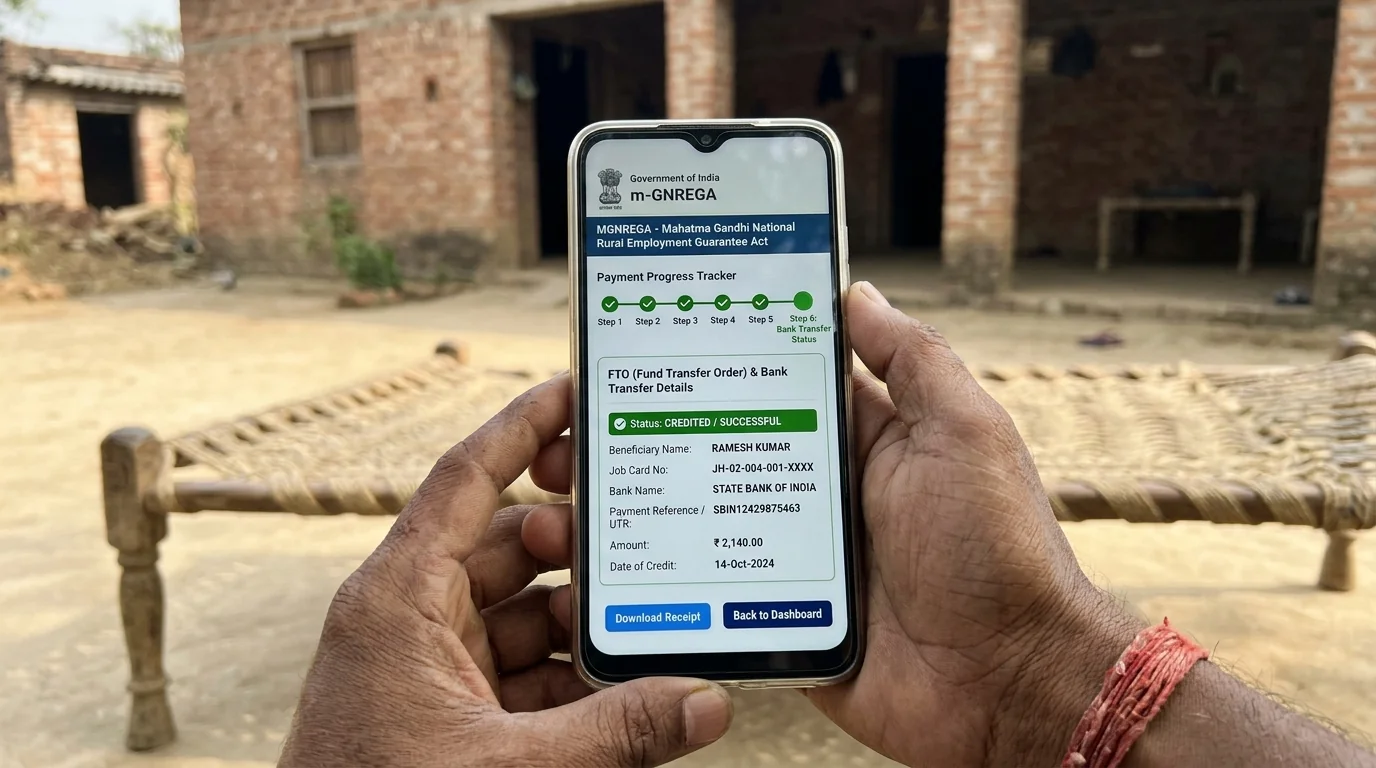
Open the search page, select 'WageList' in dropdown, and enter your copied Wagelist Number.
Steps to follow:
- 1Open the search portal using our VBGRAMG Job Card Search tool.
- 2In the 'Search' dropdown, select 'WageList' (instead of JobCardNo).
- 3Select your State and District.
- 4Paste the copied Wagelist Number (e.g., 2717006WL002038) into the input box.
- 5Click the 'GO' button to proceed.
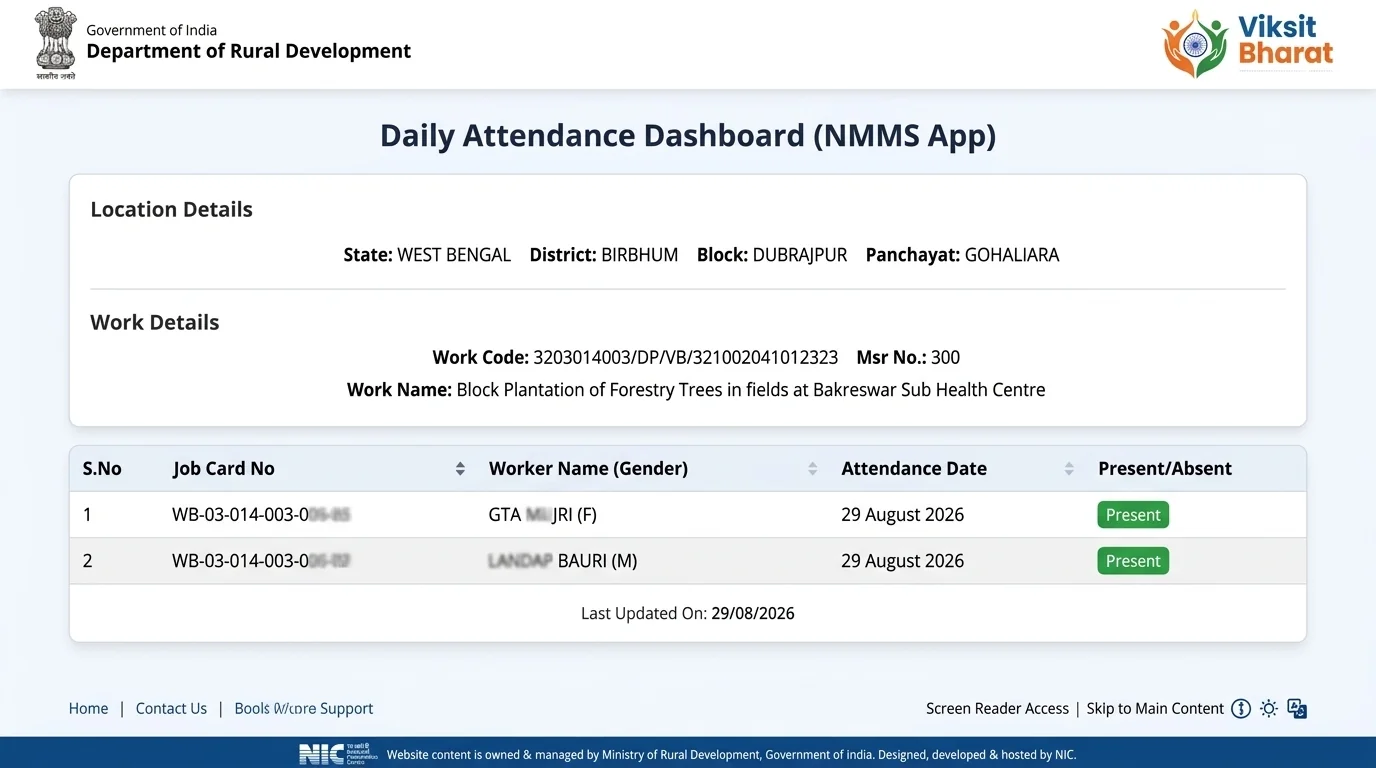
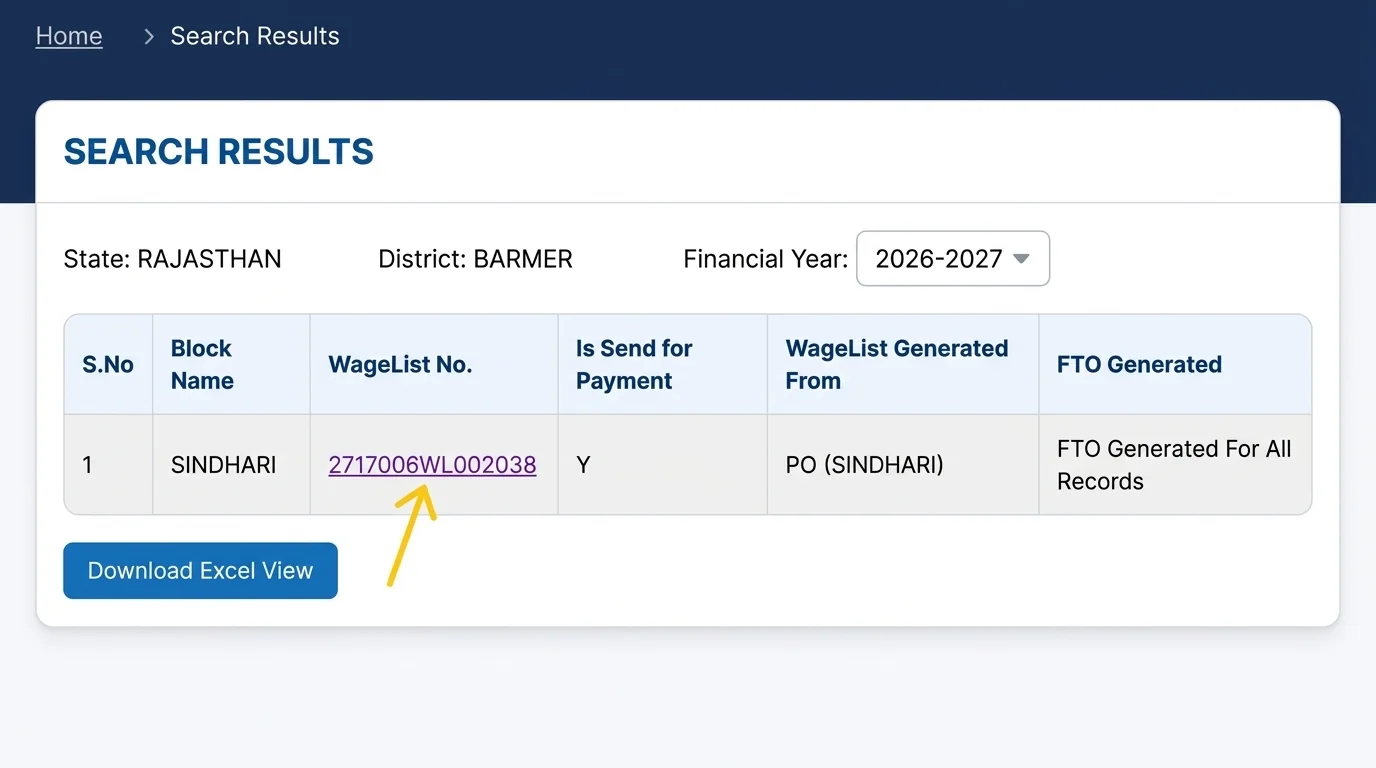
In the pop-up search results, click on the blue WageList No. link to open beneficiary details.
Steps to follow:
- 1A pop-up window titled 'SEARCH RESULTS' will open displaying your Wagelist entry.
- 2Important: If your work was completed in the previous Financial Year, change the 'Financial Year' dropdown at the top.
- 3Click on the blue 'WageList No.' link (e.g., 2717006WL002038).
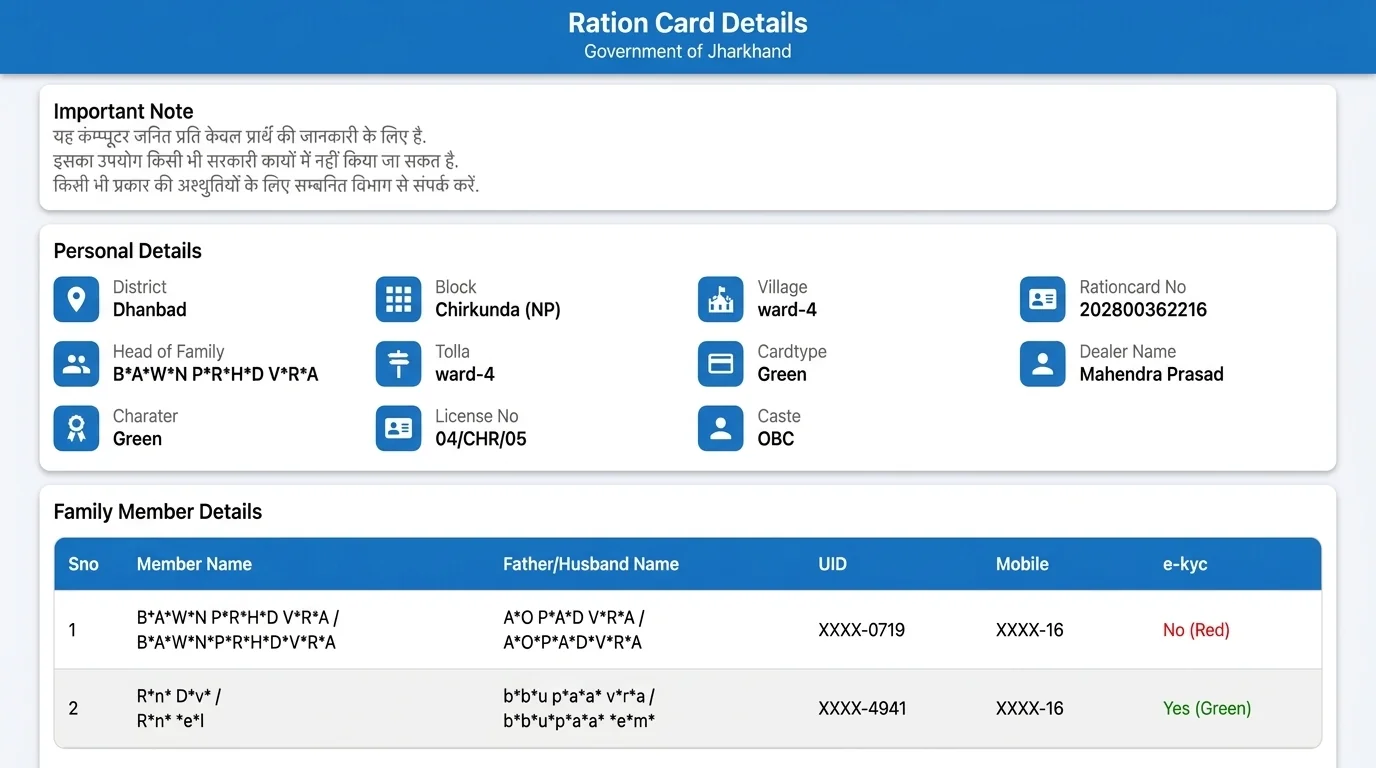
In the WageList Details table, find your Job Card row and copy your official FTO Number.
Steps to follow:
- 1The 'WageList Details' page opens with all workers included in this payment batch.
- 2Find your row by matching your 'Reg No.' (Job Card Number) and 'Applicant Name'.
- 3Locate the 'FTO No.' column on the right side.
- 4Copy the full FTO Number (e.g., RJ2717006_240426APB_FTO_9485).
Paste your copied FTO Number into the PanchayatSetu tool at the top of this page.
Steps to follow:
- 1Scroll up to the 'VBGRAMG Payment Status Checker' tool at the top of this page.
- 2Paste your copied FTO Number into the input box.
- 3Click the 'Check Payment Status' button.
- 4The official live PFMS transaction report will open directly in a new window.
Paste Your FTO Number in the Top Search Box
Once you have copied your FTO Number, paste it in the PanchayatSetu tool at the top of this page to view live PFMS processing.
Track the complete timeline: NregaSoft to PFMS transfer, DDO & PAO signs, and account credit date.
Steps to follow:
- 1The official FTO Tracking report displays a visual flowchart with status indicators.
- 2Verify key milestone dates: NregaSoft to PFMS, DDO Sign, PAO Sign, and Bank Debit Success.
- 3Click 'View Detail' below the flowchart to see individual bank credit status, UTR numbers, and credited account numbers.
Understanding NREGA / VBGRAMG FTO Processing Stages
Every wage payment travels through digital milestones before reaching your bank account:
Attendance is recorded via the mobile NMMS app. Upon work completion, the muster roll is finalized and a WageList is generated.
Block & District Program Officers sign with digital signature certificates (DDO & PAO Sign) to approve the Fund Transfer Order.
The Public Financial Management System (PFMS) debits funds and credits the worker's bank account via Aadhaar Payment Bridge (ABPS).
Common Payment Rejections & How to Fix Them
If your payment status shows 'Rejected' or 'Pending' in the FTO report, here is how to resolve it:
Aadhaar Not Seeded / Inactive (ABPS)
Why: Aadhaar number is not linked with the bank account on NPCI mapper.
Fix: Visit your bank branch and submit the DBT / NPCI Aadhaar seeding consent form.
Account Closed / Inactive / Dormant
Why: Savings account has been inactive for more than 1–2 years.
Fix: Complete KYC re-verification at your bank branch to re-activate the account.
Name Mismatch in Bank vs Job Card
Why: Spelling difference in applicant name between Job Card and bank passbook.
Fix: Submit an Aadhaar copy to Gram Panchayat VDO to update Job Card name as per Aadhaar.
Pending at DDO / PAO Level
Why: Digital signature authorization pending at Block or District treasury office.
Fix: Usually clears within 3 to 7 working days automatically.
| Rejection Reason / Status | Why It Happens | How to Resolve |
|---|---|---|
| Aadhaar Not Seeded / Inactive (ABPS) | Aadhaar number is not linked with the bank account on NPCI mapper. | Visit your bank branch and submit the DBT / NPCI Aadhaar seeding consent form. |
| Account Closed / Inactive / Dormant | Savings account has been inactive for more than 1–2 years. | Complete KYC re-verification at your bank branch to re-activate the account. |
| Name Mismatch in Bank vs Job Card | Spelling difference in applicant name between Job Card and bank passbook. | Submit an Aadhaar copy to Gram Panchayat VDO to update Job Card name as per Aadhaar. |
| Pending at DDO / PAO Level | Digital signature authorization pending at Block or District treasury office. | Usually clears within 3 to 7 working days automatically. |
ज़मीनी हकीकत व जरूरी सलाह (NREGA FTO & Wage Payment Guidance)
वेजलिस्ट से FTO चक्र, ABPS बैंक रिजेक्शन सुधार, 15 दिन में भुगतान नियम व 0.05% दैनिक विलंब मुआवजा
नरेगा में काम पूरा होने के बाद मजदूरी 5 चरणों से गुजरकर बैंक खाते में आती है: (1) Muster Roll Closing: GRS द्वारा हाजिरी लॉक करना, (2) Wagelist Generation: पंचायत स्तर पर वेजलिस्ट (WL...) बनना, (3) First Signatory FTO: ब्लॉक प्रोग्राम ऑफिसर (PO) द्वारा डिजिटल हस्ताक्षर, (4) Second Signatory FTO: जिला स्तर (DPC) द्वारा डिजिटल अनुमोदन, और (5) PFMS to Bank: पब्लिक फाइनेंशियल मैनेजमेंट सिस्टम द्वारा बैंक को DBT क्रेडिट निर्देश (Debit Success)।
यदि स्टेटस में 'Rejected' या 'Failed' दिखे, तो 90% कारण बैंक स्तर के होते हैं:
• Inactive Aadhaar / ABPS Inactive: खाते में आधार NPCI मैपिंग न होना।
• Dormant Account: 6 महीने से कोई लेनदेन न होने पर खाता रुकना।
• Name Mismatch: जॉब कार्ड और बैंक खाते के नाम की स्पेलिंग में अंतर।
सुधार: बैंक जाकर आधार सीडिंग फॉर्म भरें और e-KYC कराएं। फिर पासबुक की प्रति रोजगार सहायक को दें ताकि ब्लॉक से 'Re-process Rejected FTO' किया जा सके।
मनरेगा अधिनियम की अनुसूची-II के पैरा 29 के अनुसार, मस्टर रोल बंद होने के 15 दिनों के भीतर मजदूरी खाते में क्रेडिट होना कानूनी अधिकार है। यदि 16वें दिन से भुगतान में देरी होती है, तो मजदूर को प्रतिदिन बकाया राशि का 0.05% विलंब मुआवजा (Delay Compensation) स्वतः मिलने का प्रावधान है। इसकी गणना नरेगा MIS सिस्टम ऑटोमैटिक करता है और इसे कोई भी अधिकारी रोक नहीं सकता।
यदि आपको अपना FTO नंबर याद नहीं है, तो पंचायत सेतु के Job Card List टूल पर जाकर अपना जॉब कार्ड खोलें। वहां हाल ही में किए गए कार्य के आगे नीले रंग का FTO नंबर दिखेगा। यदि 30 दिनों से अधिक समय तक मजदूरी अटकी रहे या पंचायत स्तर पर टालमटोल हो, तो जिले के मनरेगा लोकपाल (Ombudsman) या राष्ट्रीय टोल-फ्री नंबर 1800-345-6527 पर निःशुल्क शिकायत दर्ज कराएं।
अक्सर पूछे जाने वाले सवाल (Frequently Asked Questions)
नरेगा / VB-GRAM-G मजदूरी भुगतान, FTO ट्रैकिंग, बैंक रिजेक्शन और मुआवजे से जुड़े मुख्य प्रश्न:
ऊपर दिए गए सर्च बॉक्स में अपना 17-अंकीय FTO नंबर दर्ज करें और 'Track FTO' पर क्लिक करें। यदि आपके पास FTO नंबर नहीं है, तो 'Know DBT Status by Account Details (PFMS)' लिंक पर क्लिक करके बैंक का नाम और खाता संख्या डालकर सीधे मजदूरी क्रेडिट स्टेटस, ट्रांसफर तिथि और UTR नंबर देख सकते हैं।
FTO का पूरा नाम Fund Transfer Order है। जब ग्राम पंचायत में मस्टर रोल की हाजिरी लॉक होने के बाद वेजलिस्ट बनती है, तो ब्लॉक प्रोग्राम ऑफिसर (PO) और जिला कार्यक्रम समन्वयक (DPC) अपने डिजिटल हस्ताक्षर डोंगल (DSC) से इसे ऑनलाइन साइन करते हैं। साइन होते ही 17-अंकीय यूनिक FTO नंबर जनरेट होता है जो PFMS को सीधे बैंक ट्रांसफर का आदेश देता है।
यदि आपके पास FTO नंबर नहीं है, तो पंचायत सेतु के VBGRAMG Job Card List टूल पर जाएं। वहां अपना राज्य, जिला, ब्लॉक व ग्राम पंचायत चुनकर अपना जॉब कार्ड खोलें। जॉब कार्ड विवरण में नीचे 'काम का विवरण' तालिका में हाल के मस्टर रोल के ठीक सामने नीले रंग का FTO लिंक दिखेगा। उस लिंक पर क्लिक करके आप अपना FTO नंबर कॉपी कर सकते हैं।
बैंक रिजेक्शन के मुख्य तीन कारण होते हैं:
1. बैंक खाते में आधार सीडिंग (Aadhaar NPCI Mapping) का निष्क्रिय होना।
2. बैंक खाता डॉरमेंट (लंबे समय से लेन-देन न होने के कारण बंद) होना।
3. जॉब कार्ड और बैंक खाते के नाम की स्पेलिंग में अंतर होना।
इसे ठीक कराने के लिए तुरंत बैंक जाकर बायोमेट्रिक ई-केवाईसी कराएं और आधार मैपिंग फॉर्म भरें। इसके बाद रोजगार सहायक या ब्लॉक ऑपरेटर से खाता रि-वैलिडेट कराएं।
मनरेगा अधिनियम के नियमानुसार मस्टर रोल समाप्त होने की तिथि से अधिकतम 15 दिनों के भीतर मजदूरी का भुगतान सीधे मजदूर के बैंक खाते में DBT द्वारा क्रेडिट होना अनिवार्य है। यदि 15 दिनों के भीतर भुगतान नहीं होता, तो 16वें दिन से मजदूर प्रतिदिन 0.05% की दर से विलंब मुआवजे का हकदार बन जाता है।
'Debit Success received at PFMS by Bank' का अर्थ है कि भारत सरकार के नोडल बैंक खाते से राशि सफलतापूर्वक कट चुकी है और मजदूर के संबंधित बैंक को इलेक्ट्रॉनिक फंड ट्रांसफर आदेश प्राप्त हो चुका है। सामान्यतः इस संदेश के आने के 24 से 48 घंटे के भीतर राशि मजदूर के खाते में क्रेडिट हो जाती है।
विलंब मुआवजे के लिए मजदूर को कोई अलग आवेदन नहीं देना पड़ता। नरेगा का NREGA-Soft MIS सिस्टम 16वें दिन से प्रतिदिन 0.05% की दर से मुआवजे की राशि की गणना स्वचालित करता है। जब अगली बार वेजलिस्ट और FTO जनरेट होता है, तो मूल मजदूरी के साथ यह विलंब मुआवजा राशि भी बैंक खाते में सीधे क्रेडिट कर दी जाती है।
यदि मजदूरी किसी गलत खाते में चली गई हो या 30 दिन से अधिक समय तक लंबित रहे, तो:
1. अपने विकास खंड के कार्यक्रम अधिकारी (PO/BDO) को लिखित शिकायत दें।
2. जिले के मनरेगा लोकपाल (MGNREGA Ombudsman) के कार्यालय में निष्पक्ष जांच हेतु शिकायत दर्ज कराएं।
3. भारत सरकार के राष्ट्रीय ग्रामीण विकास मंत्रालय के हेल्पलाइन नंबर 1800-345-6527 पर कॉल करें अथवा अपने राज्य के सीएम हेल्पलाइन पोर्टल पर ऑनलाइन शिकायत दर्ज करें।
Related Panchayat Tools & Reports
Explore essential digital tools for Gram Panchayats and rural beneficiaries:
VBGRAMG Job Card List
Download village-wise Job Card list with applicant names and registration numbers.
VBGRAMG MIS Report
Access all 34 official MIS categories including muster rolls, FTOs, and financial progress.
PFMS Payment Status
Track DBT subsidy, scholarship, and pension credit by bank account number.
Approved Action Plan Report
View Gram Panchayat annual development budget and approved work activities.